

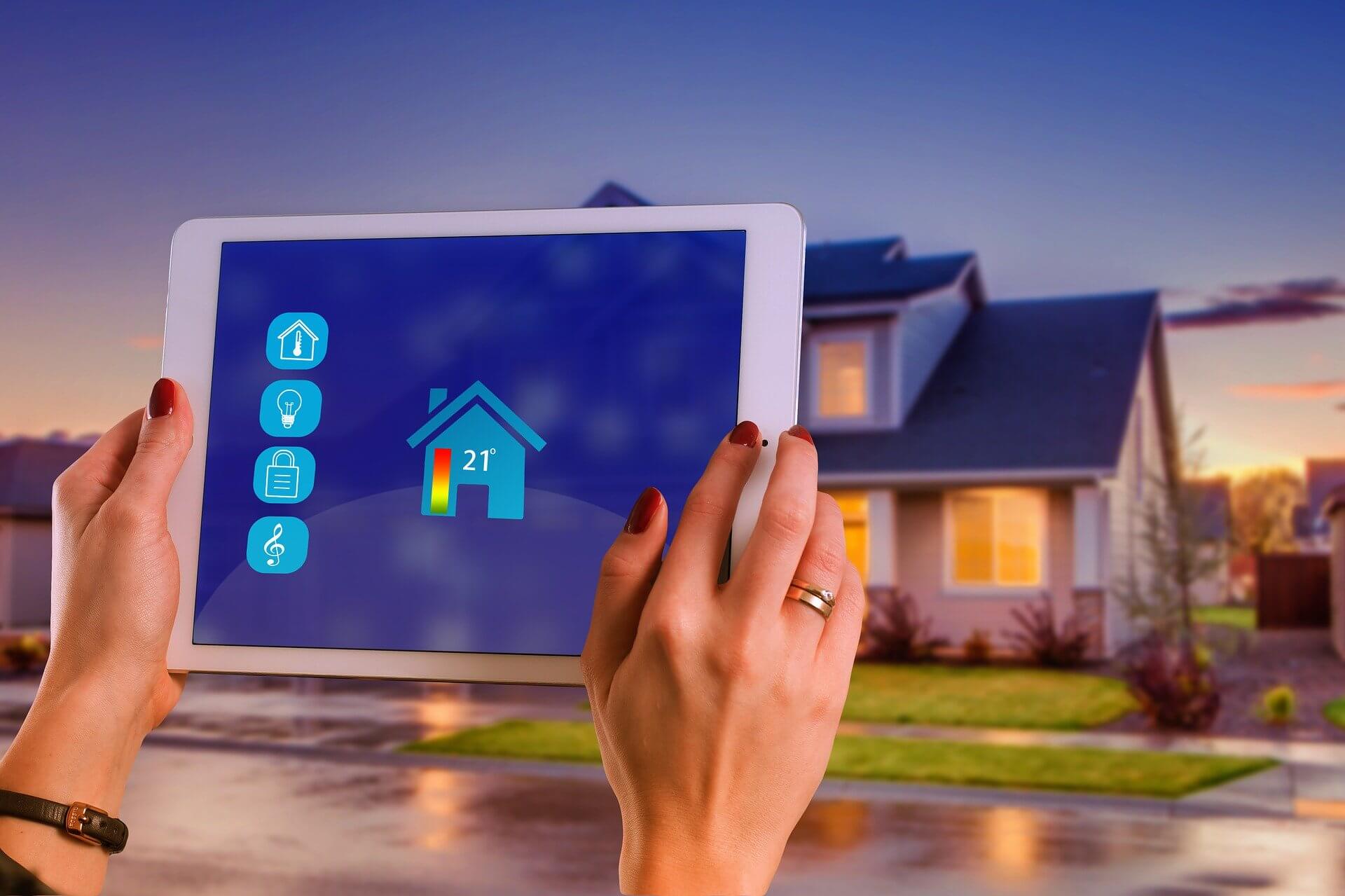
Smart home devices provide a convenient way to make your life easier yet luxurious without stepping out of your comfort zone. However, such devices can become vulnerable to hackers and intruders in many ways. From integrated cameras to microphones, your smart home devices can pave the ways for unauthorized users to access your personal information without your consent. But you can always take a few safety precautions to keep your data protected and safeguard your devices from unwanted intervention. Keep reading this article to find out how to stay away from intruders.
We have curated a list of ways to prevent security risks and threats to your smart home devices:
Protect Your Wi-Fi Network
Most manufacturers set the same default password to the batch of routers of the same model. On the other hand, many users forget to change their default Wi-Fi password even if they are using the same router for a long time. This enables hackers to get access to your Wi-Fi network by cracking its password.
So, if you have not changed your Wi-Fi password yet, it’s time to secure your router with a strong password that can’t be easily cracked by intruders. Use 8 to 11 alphanumeric characters that comprise a unique string. Ideally, your Wi-Fi password should not contain your first name, last name, home address, date of birth, or even postal code. Otherwise, people around you could easily crack it.
Sign up for ADT packages for top-notch security services that safeguard your home devices from all sorts of privacy and security risks.
Enable Multi-Factor Authentication
While you can set a strong password for your smart home devices, it is best to go a step further to secure them. You can enable multi-factor authentication for accessing your device as it will add an extra step for users to verify their identity before connecting to your device. So, after entering the password, users are required to enter a six-digit code sent through an email or text message on their device. This way, even if your password is known to your friends or visitors, it cannot be accessed by them without ensuring their identity through multi-factor authentication. With ADT pulse, you can control your smart home security system to ensure that it stays protected at all times.
Create a Guest Wi-Fi Network
Most routers allow users to create a secondary network to ensure privacy. This is because when you establish a guest Wi-Fi network for connecting specific devices only, your primary network will remain secure from various privacy threats.
Even if you share your guest Wi-Fi network’s credentials with your roommates, family members, friends, or visitors, they can’t access your main network. This way, your smart home devices will remain safe from malicious users trying to gain unauthorized access to your devices or home network.
Update Your Devices
Updating your Wi-Fi router’s firmware can improve your network’s security. Therefore, you should check your router for firmware updates regularly to avoid security risks that may arise due to outdated firmware. In addition, your smart home devices also need to be updated on time to avoid slowdowns or other performance issues.
Avoid Connecting Your Smart Home Devices to Public Wi-Fi Networks
Whether you are stepping out for a trip to the mall or a coffee shop, you should avoid using public Wi-Fi networks for internet access. Similarly, it is best to refrain from connecting your smart home devices to such networks, as they are vulnerable to intruders who may access the network to download malicious content over the internet.
Instead of using a public Wi-Fi network to connect your smart home devices, use your mobile hotspot for better privacy and security. Even if you want to connect your video doorbells and security cameras to an unknown Wi-Fi network, you need to think twice as it can potentially cause serious security threats to your devices.
Wrapping Up
Smart home devices are ideal for most households in the US. However, these devices can become an easy target for hackers and intruders over the internet. If you are using smart home devices at your home, follow the abovementioned tips to ensure that your devices remain safe from unauthorized access at all times.
4howtodo resources talks about general things as well as specialized sectors.
